Quick answer
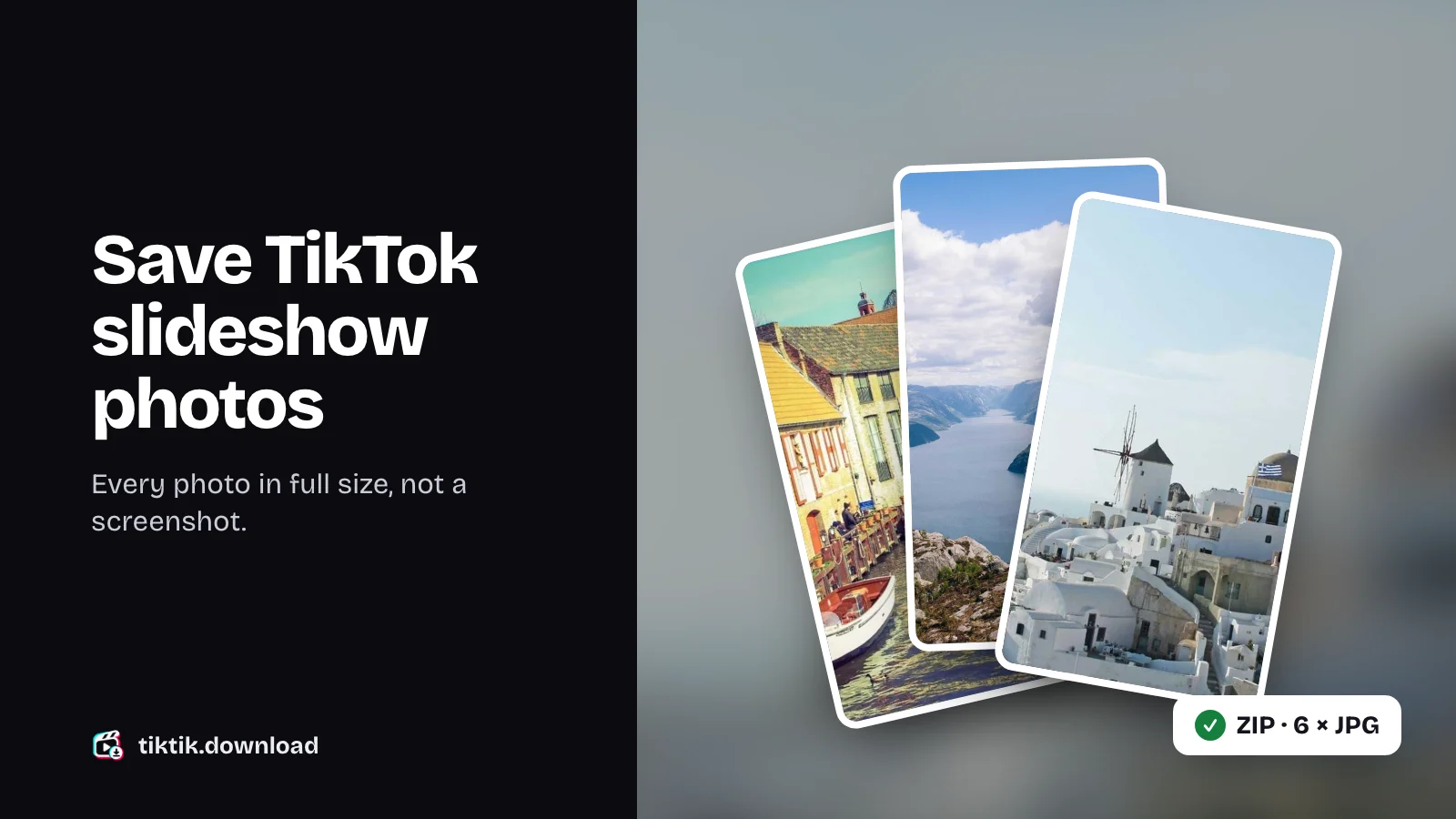
Copy the link of the photo post, paste it above and tap Download. TikTik gives you the original photo files that TikTok stores, so there is no username, logo or app button on them. Save the photos one by one, or tap Download all photos for one ZIP.
Dedicated tool: TikTok Photo Downloader →
Where the name on a saved photo comes from
The photos in a TikTok photo post are plain picture files. The username, caption and buttons you see in the app are drawn on top of them by the app, not stored in the photo. A screenshot captures all of that along with the picture. Saving inside the TikTok app can also add the TikTok logo and the username, depending on the app version. TikTik downloads the picture files themselves, so nothing is added.

| TikTik | Screenshot | Save in the TikTok app | |
|---|---|---|---|
| Username on the photo | No | Yes | Can be added |
| TikTok logo | No | App screen included | Can be added |
| Buttons and caption | No | Yes | No |
| Picture size | The original, often 1080 × 1920 | Your screen size | Depends on the app |
| Text the creator wrote on the photo | Stays | Stays | Stays |
How to save the photos without the name
- Open the photo post in TikTok, tap Share and then Copy link.
- Paste the link into the box at the top of this page and tap Download.
- Every photo appears below, numbered in order. Tap Download under a photo to save it as a JPG.
- To save every photo at once, tap Download all photos: you get one ZIP with all pictures in order.
What cannot be removed
Some creators type text or add stickers on the photo in the TikTok editor. That text becomes part of the picture itself, so it stays in the downloaded file. TikTik does not edit or crop photos; it only gives you the files exactly as TikTok stores them.
Posting someone else's photo again? Ask the creator first and credit them. Please save only photos you own or have permission to use.
Photo size and format
The photos are JPG files in the size the creator uploaded and TikTok keeps. In our test of a six-photo post, five photos were 1080 × 1918 or 1080 × 1920 pixels and one was 1170 × 2080. TikTik does not compress them again.
Frequently asked questions
How do I download TikTok photos without the username?
Copy the photo post link, paste it above and tap Download. The photos are the original files, so the username and TikTok logo are not on them.
Why does my saved TikTok photo have a name on it?
A screenshot captures the username and buttons shown by the app, and saving in the TikTok app can add the logo and username. The original photo file has neither.
Can TikTik remove text the creator wrote on the photo?
No. Text and stickers added in the TikTok editor are part of the picture. TikTik does not edit photos.
Can I save all photos without the name at once?
Yes. Tap Download all photos to get one ZIP with every photo of the post, numbered in order.
Can I save photos from a private account?
No. Only public posts can be downloaded. Please save only photos you own or have permission to use.