Quick answer
Copy the link of the slideshow, paste it above and tap Download. Next to the photos you get a Download music button: tap it and the sound of the post is saved as an MP3 file. If the button is missing, the post has no sound to save.
Dedicated tool: TikTok to MP3 →
Where the music of a photo post comes from
A TikTok slideshow is a set of photos played with a sound that the creator picked. The sound is a separate audio file on TikTok, not part of the pictures, so TikTik can save it on its own. For a video post it works differently: the MP3 is made from the audio track of the video itself.
| Photo post (slideshow) | Video post | |
|---|---|---|
| Button in TikTik | Download music | MP3 audio |
| Where the sound comes from | The sound file attached to the post | The audio of the video |
| Length | As long as that sound file | As long as the video |
| File type | MP3 | MP3 |
How to save the music, step by step
- Open the slideshow in TikTok, tap Share and then Copy link. The link looks like tiktok.com/@name/photo/… or a short vt.tiktok.com link.
- Paste the link into the box at the top of this page and tap Download.
- The photos appear below. Tap Download music: the sound is saved as an MP3 in your downloads.
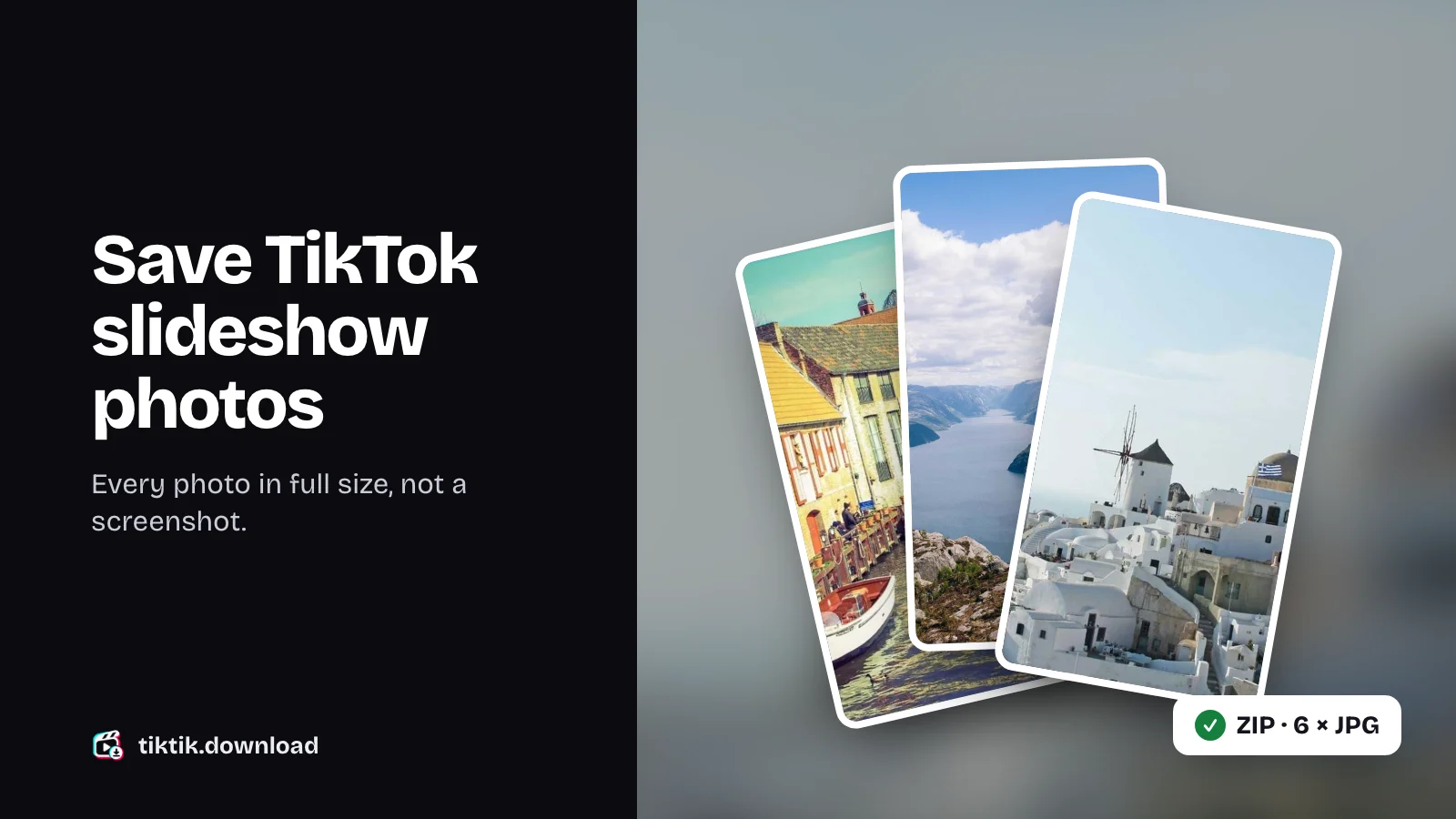
- Want the photos too? Tap Download all photos for one ZIP, or save single photos with their own Download button.

Why the song can be shorter than the full track
TikTik saves the sound file exactly as TikTok keeps it. An original sound, recorded by a creator, is usually saved in full. For popular licensed songs TikTok often keeps only the part used on TikTok, so the MP3 can be a clip of a few dozen seconds rather than the whole song. To get the full song, look for it on a music service.
The file name ends in _music.mp3, so you can find it quickly in your downloads.
Finding the MP3 on your phone
- iPhone and iPad: open the Files app and go to Downloads. Tap the MP3 to play it.
- Android: open the Files or My Files app and look in the Download folder. Most music players also list it.
- Computer: the MP3 is in your Downloads folder.
Frequently asked questions
How do I download the music from a TikTok photo post?
Copy the link of the photo post, paste it above, tap Download and then Download music. The sound of the post is saved as an MP3 file.
Why is there no Download music button?
The button only appears when the photo post has a sound that TikTok gives out as a file. Posts without a sound have nothing to save.
Why is the MP3 shorter than the song?
For licensed songs TikTok often keeps only the part used on TikTok. TikTik saves the file as TikTok keeps it, so it can be a short clip.
Can I save the music and the photos together?
Yes. After pasting the link you can tap Download music and Download all photos; you get one MP3 and one ZIP with every photo.
Can I save music from a private account?
No. Only public posts can be downloaded. Please save only content you own or have permission to use.